
September 23, 2026
Chrome Volume Mixer vs Windows Volume Mixer: What's the Difference
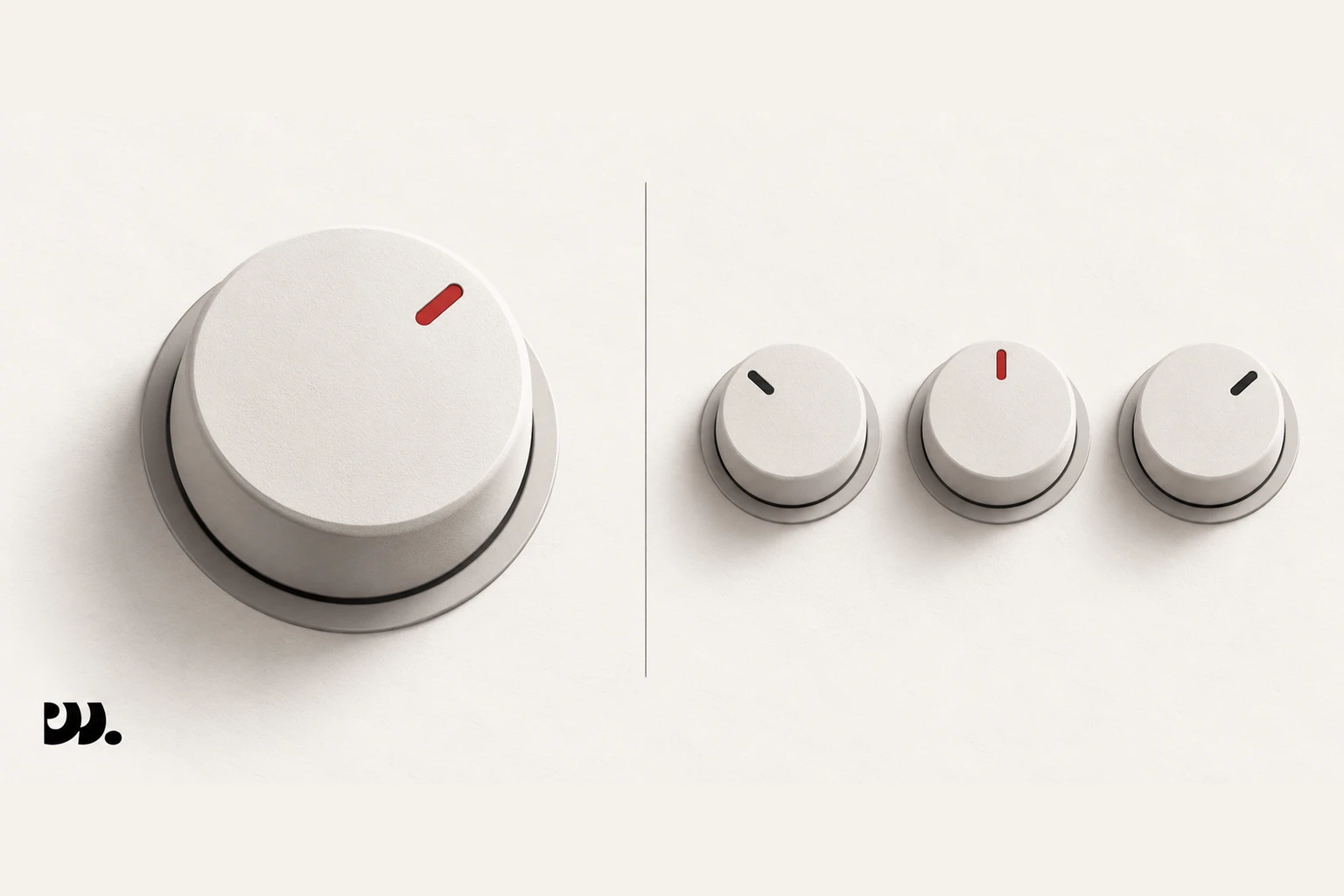
Windows’ built-in volume mixer controls volume per application, meaning all of Chrome is one slider no matter how many tabs are open. A per-tab mixer like Modulate works inside Chrome instead, giving each tab its own slider underneath that single Windows-level control.
How the Windows volume mixer works
Windows has had a per-app volume mixer for years, and it’s a real, useful tool: open it and you’ll see a separate slider for Chrome, for Spotify, for Discord, for whatever else is producing sound. That granularity stops at the application boundary, though. Windows sees “Chrome” as a single program, not as a collection of tabs, so however many tabs you have open, whatever they’re each playing, they all share the one Chrome entry in the mixer. There’s no way from Windows’ side to turn down a YouTube video in one tab while a Google Meet call in another tab stays at full volume. As far as Windows is concerned, that’s one app making one sound.
This is easy to miss because the Windows mixer looks like it should solve the whole problem. It’s a real per-application slider, it’s built into the operating system, and it works reliably for keeping Chrome’s overall level separate from Spotify’s or a game’s. It just can’t see any further down than the application itself, and a browser with fifteen tabs open looks exactly the same to Windows as a browser with one tab open: a single running process with a single volume level.
Two mixers, two layers
This is where a per-tab mixer inside Chrome fits in, and it’s worth being clear that it complements the Windows mixer rather than replacing it. Windows still controls Chrome’s overall output level relative to everything else on your system, music apps, games, notification sounds. Modulate works one layer down, splitting that single Chrome-level volume back out across individual tabs. Turn Chrome’s overall level down in Windows and every tab gets quieter proportionally. Adjust a tab’s slider in Modulate and only that tab changes, without touching Chrome’s level in Windows or the volume of anything else running outside the browser. The two controls stack instead of conflicting.
In practice this means setting Chrome’s overall level once in the Windows mixer, at whatever balance makes sense against your other apps, and then leaving it alone. From there, day-to-day adjustments, turning down a loud ad, boosting a quiet call, muting a background video, happen inside Modulate’s popup without ever touching the Windows mixer again. The two tools operate at different scopes and rarely need adjusting at the same time.
macOS doesn’t have this at all
macOS’s System Settings has no equivalent to Windows’ per-app volume mixer. There’s a single system volume control and that’s it, no per-application list, no way to turn down one program relative to another from the operating system. That makes a per-tab browser mixer the only practical way to get independent volume control per tab on a Mac. Whatever you can do with Modulate on Windows alongside its volume mixer, on macOS it’s the only layer of control available at all.
This gap is one of the reasons a browser-level mixer is useful even for people who already know about Windows’ per-app controls. Modulate runs the same way on Chrome, Brave, Edge, Vivaldi, and Opera regardless of the operating system underneath, so the same popup and the same sliders work whether the platform has its own volume mixer to pair with or not.
See it in action
See how it works on any platform: home page.