

Every tab, its own volume.
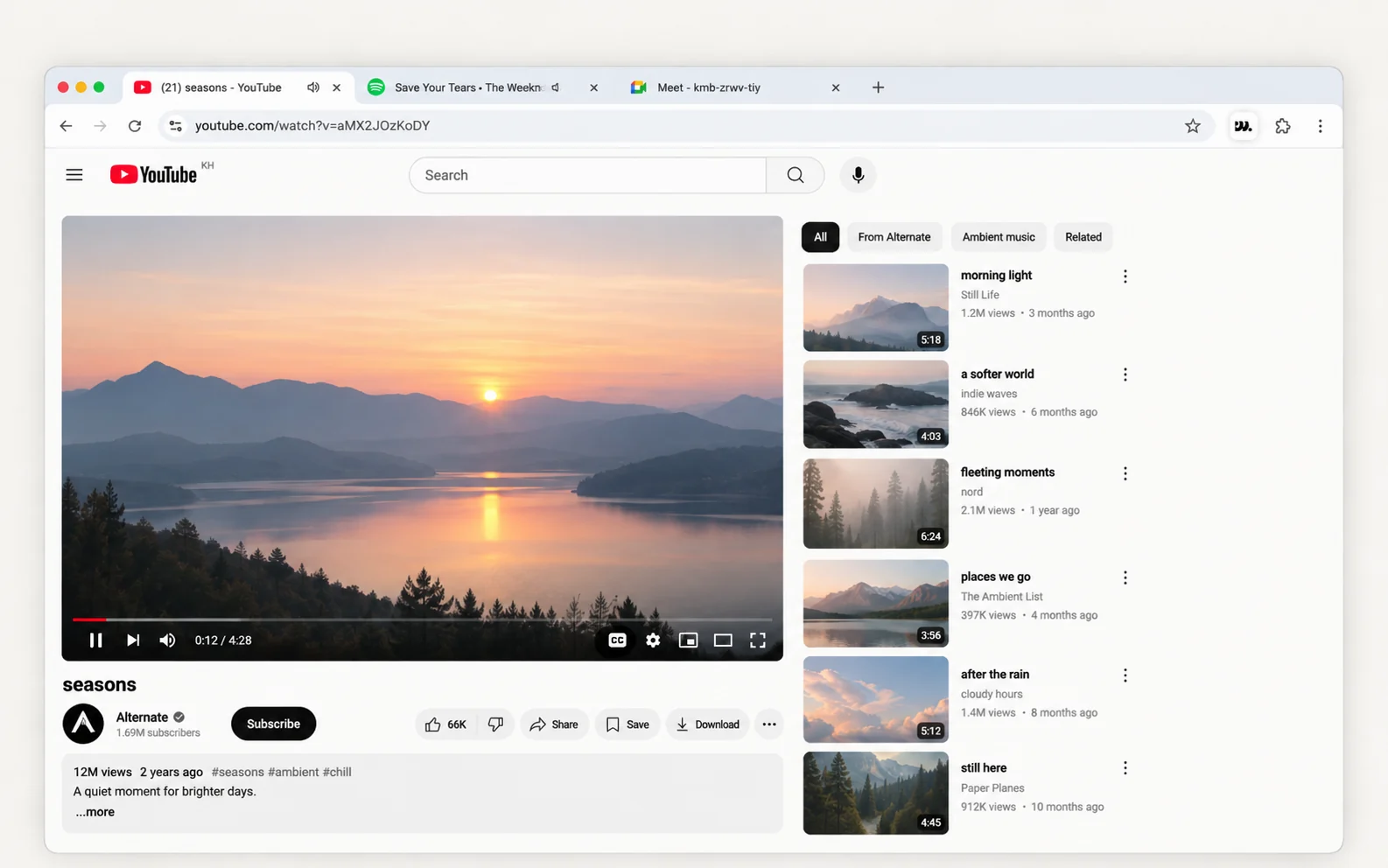
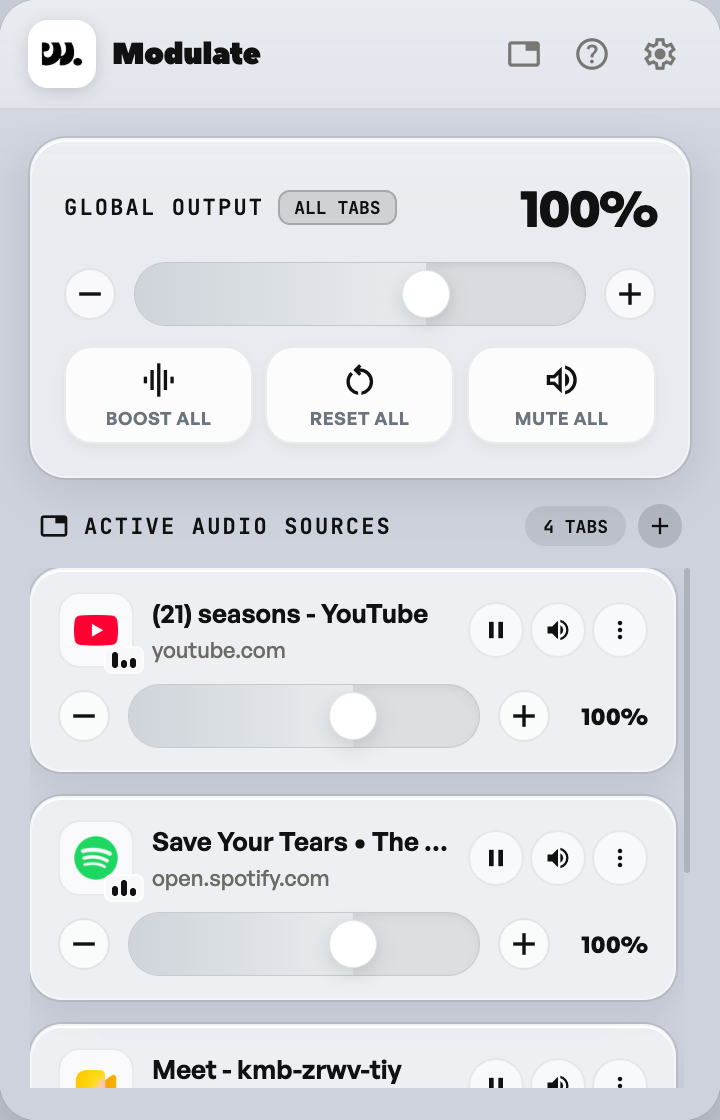
Modulate is a per-tab volume mixer for Chrome and other Chromium browsers. Turn any tab down, mute it, or boost it up to 600%, with hotkeys built in.
Modulate is a Chrome extension for desktop, works on Chrome, Brave, Edge, and other Chromium browsers.
- 600%
- Boost ceiling per tab
- 1 tap
- Boost, reset or mute every tab
- Alt+Shift+M
- Mute the active tab
- 0
- Accounts or trackers in the extension
What it does
Everything in one mixer.
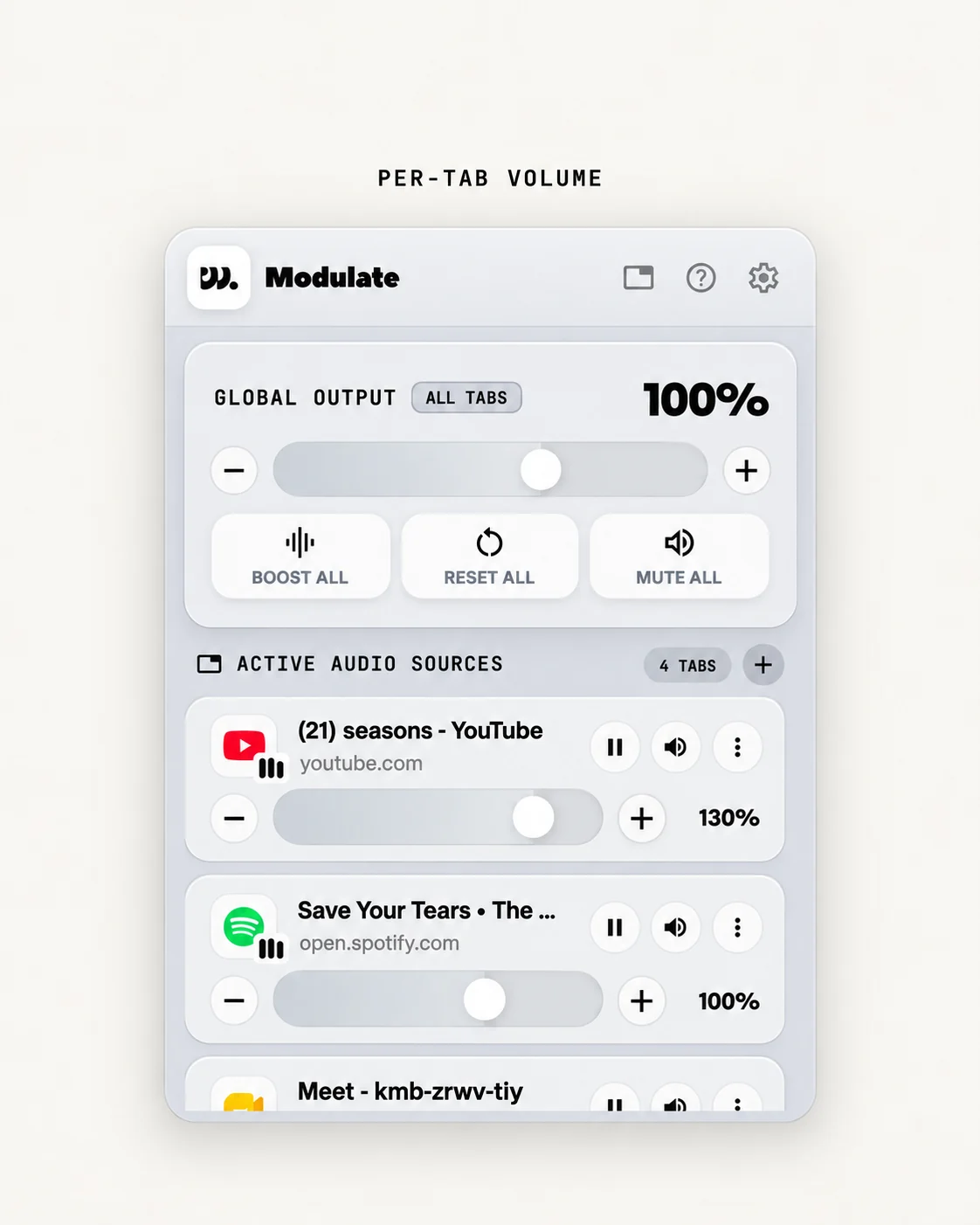
Per-tab volume
Every tab gets its own slider. Turn one down without touching the rest.
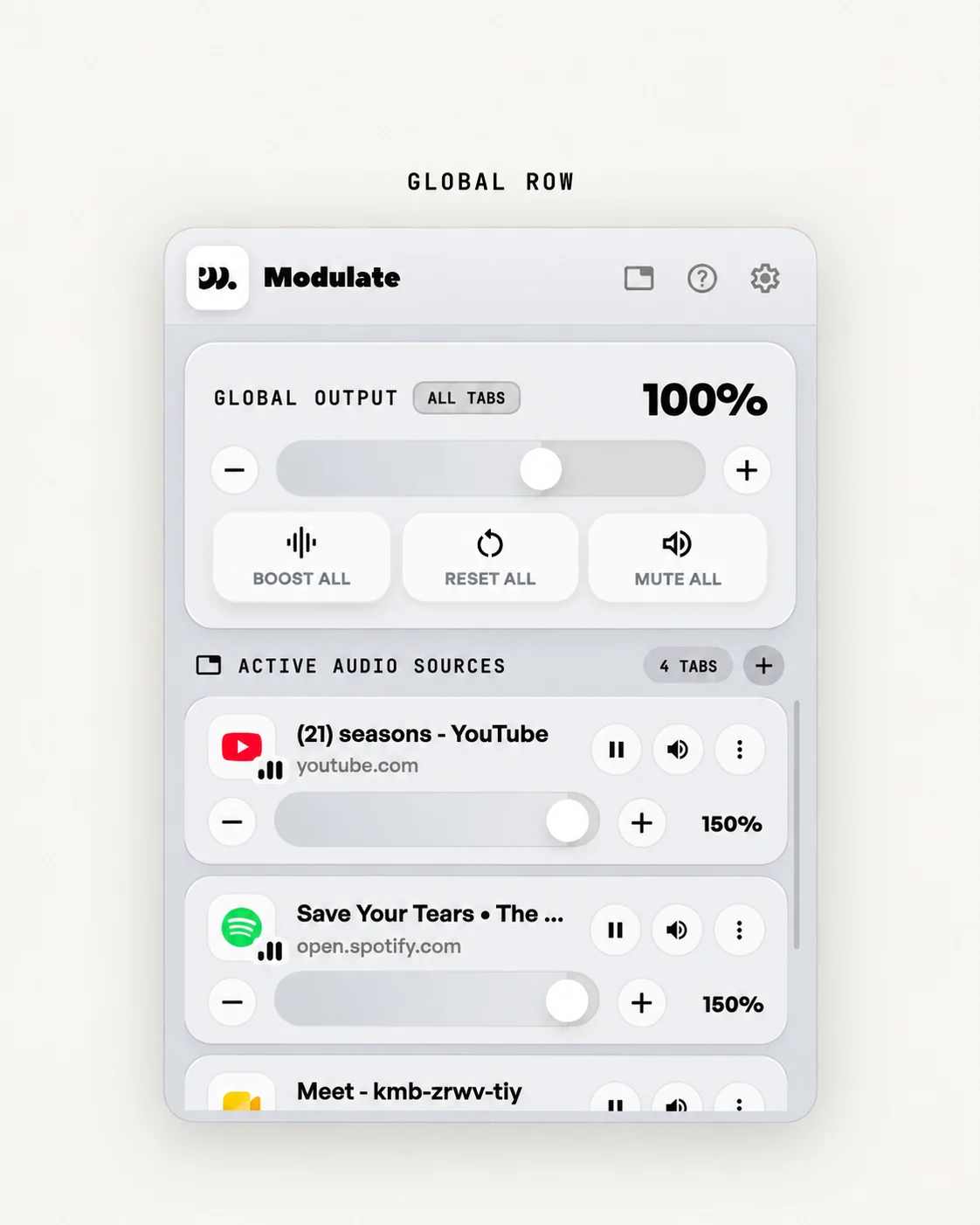
Global row
Boost All, Reset All and Mute All. One tap for every tab.
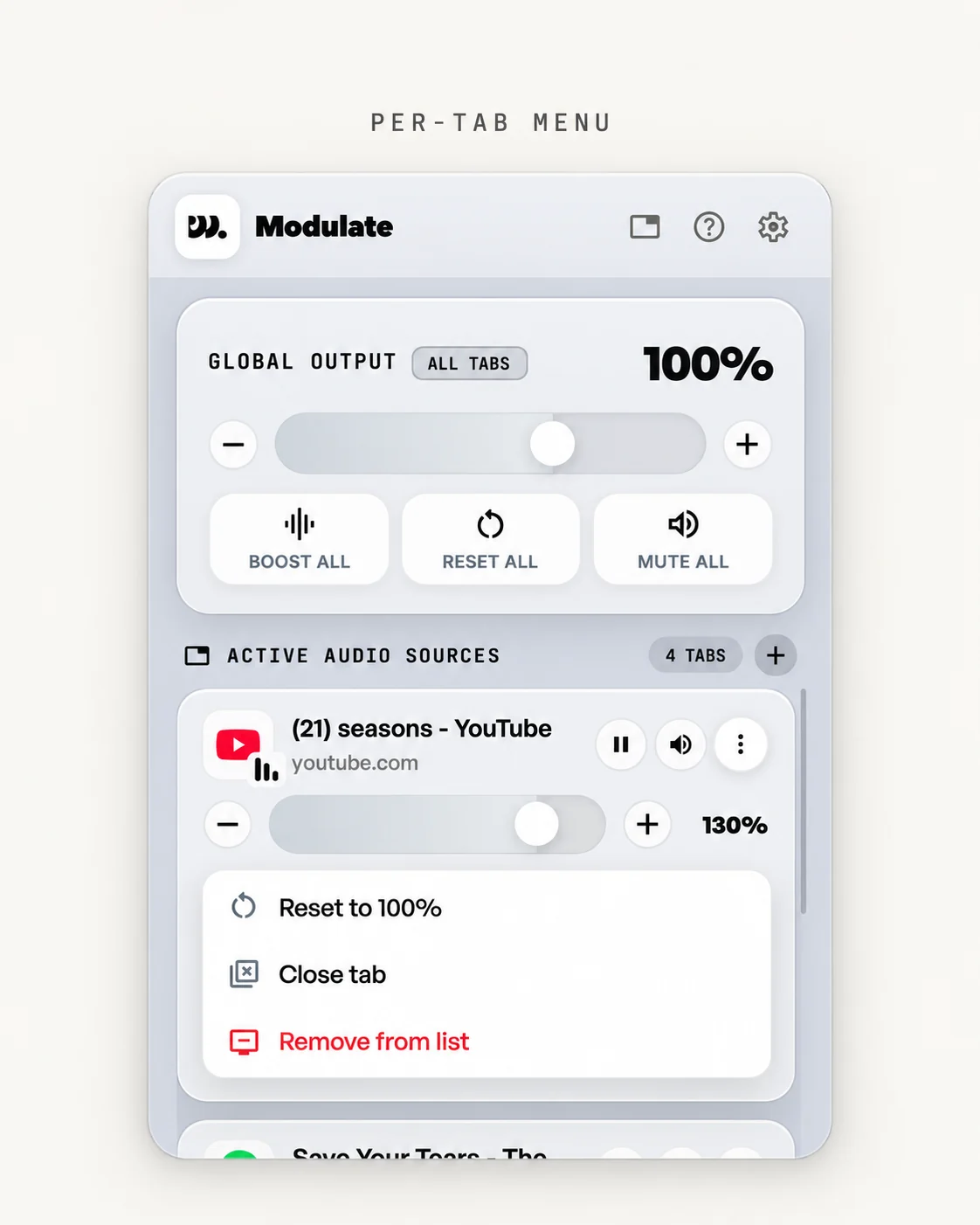
Per-tab menu
Reset to 100%, close the tab, or remove it from the list.
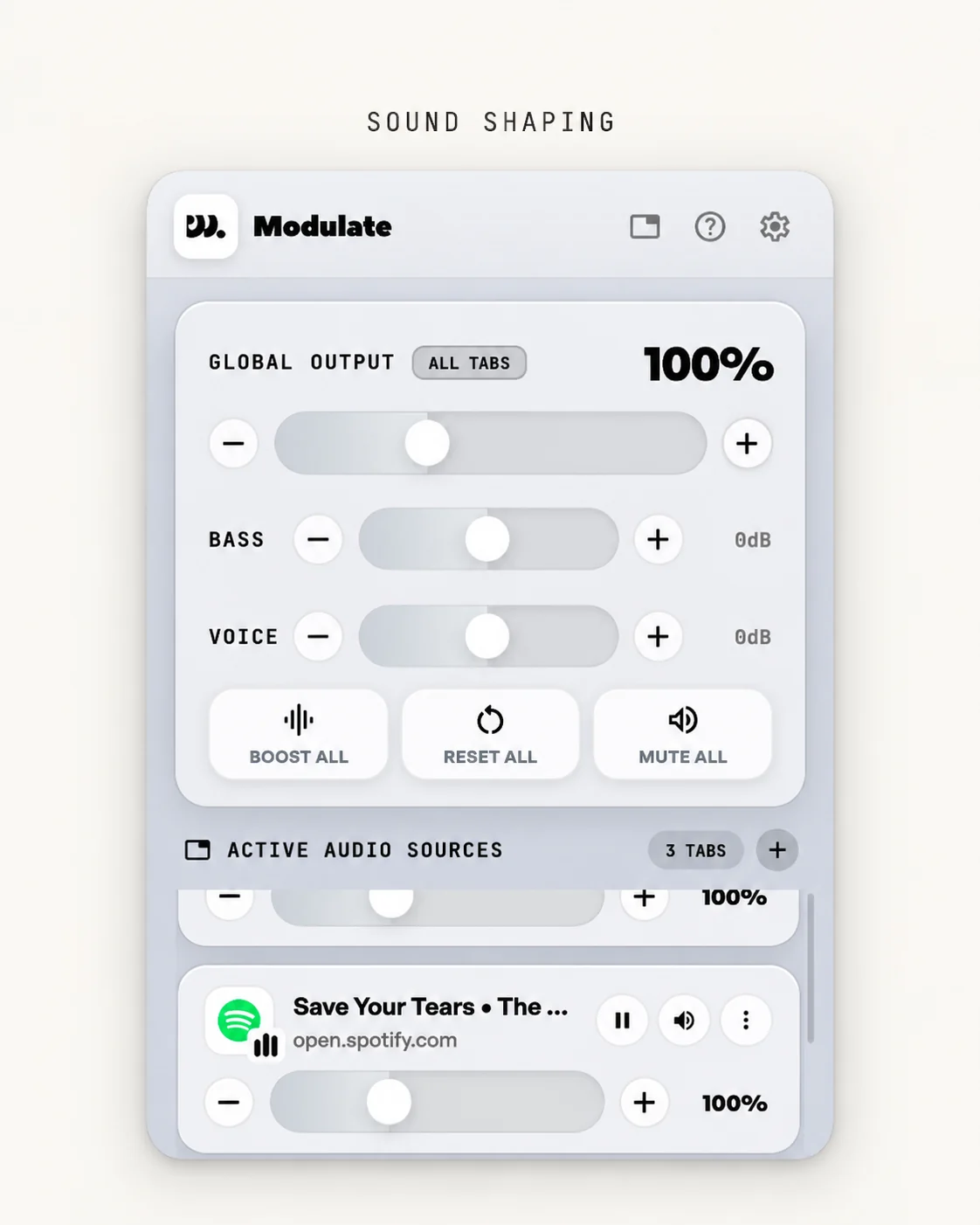
Sound shaping
Bass Boost and Voice Boost, from -12 to +12 dB. Hidden until you turn them on.
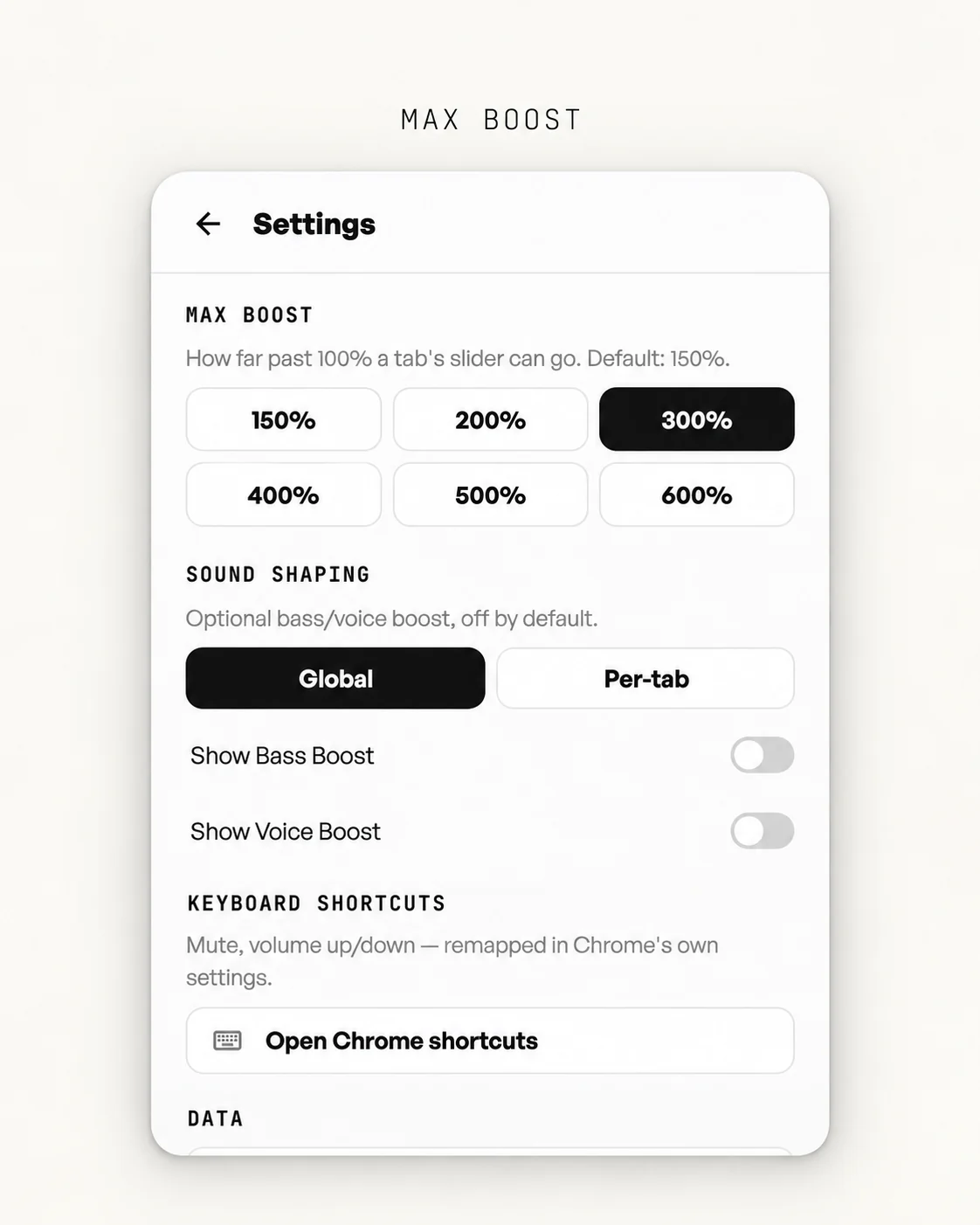
Max boost
Set the ceiling per tab: 150, 200, 300, 400, 500 or 600%.
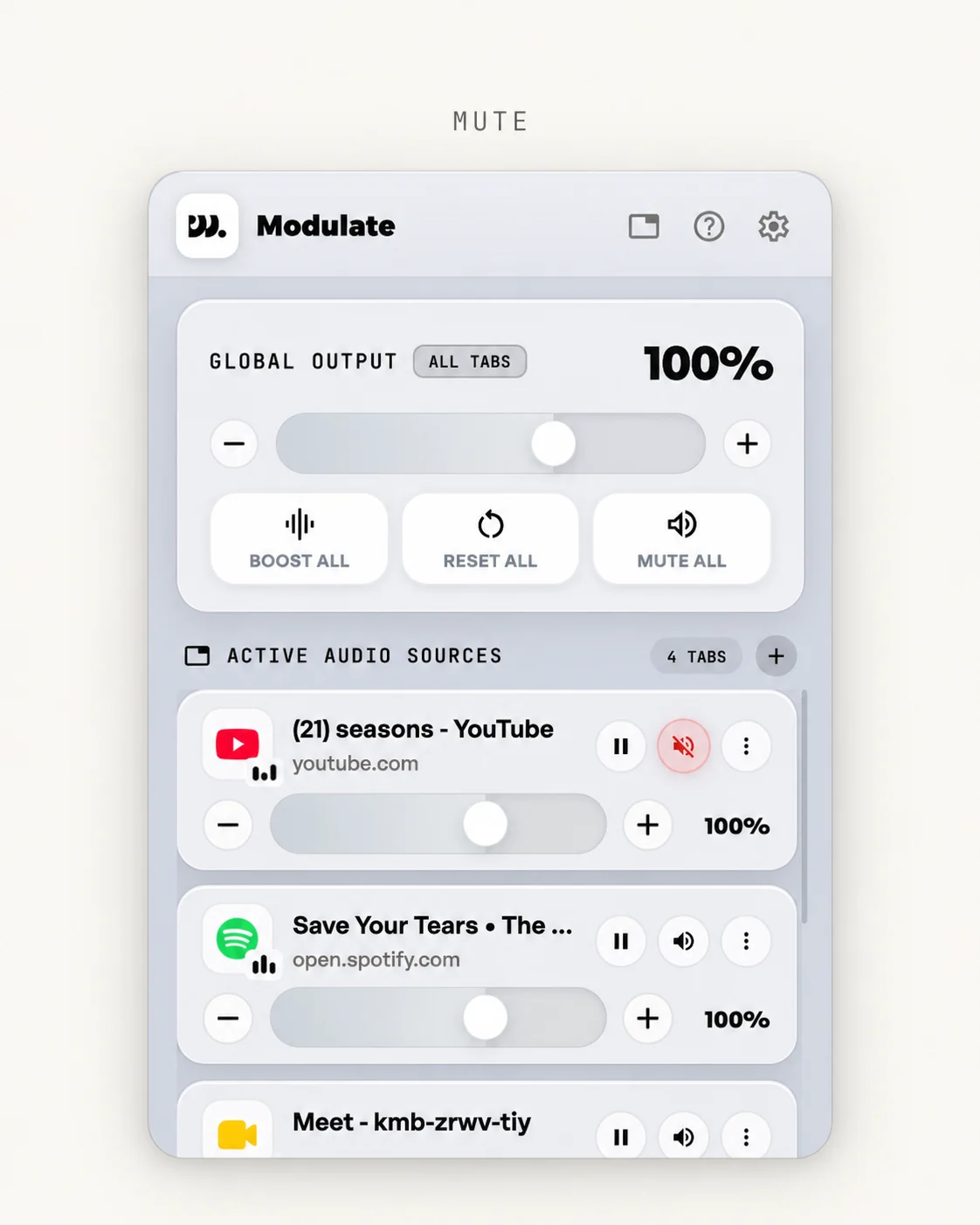
Mute
Mute one tab or all of them. A muted tab turns red.
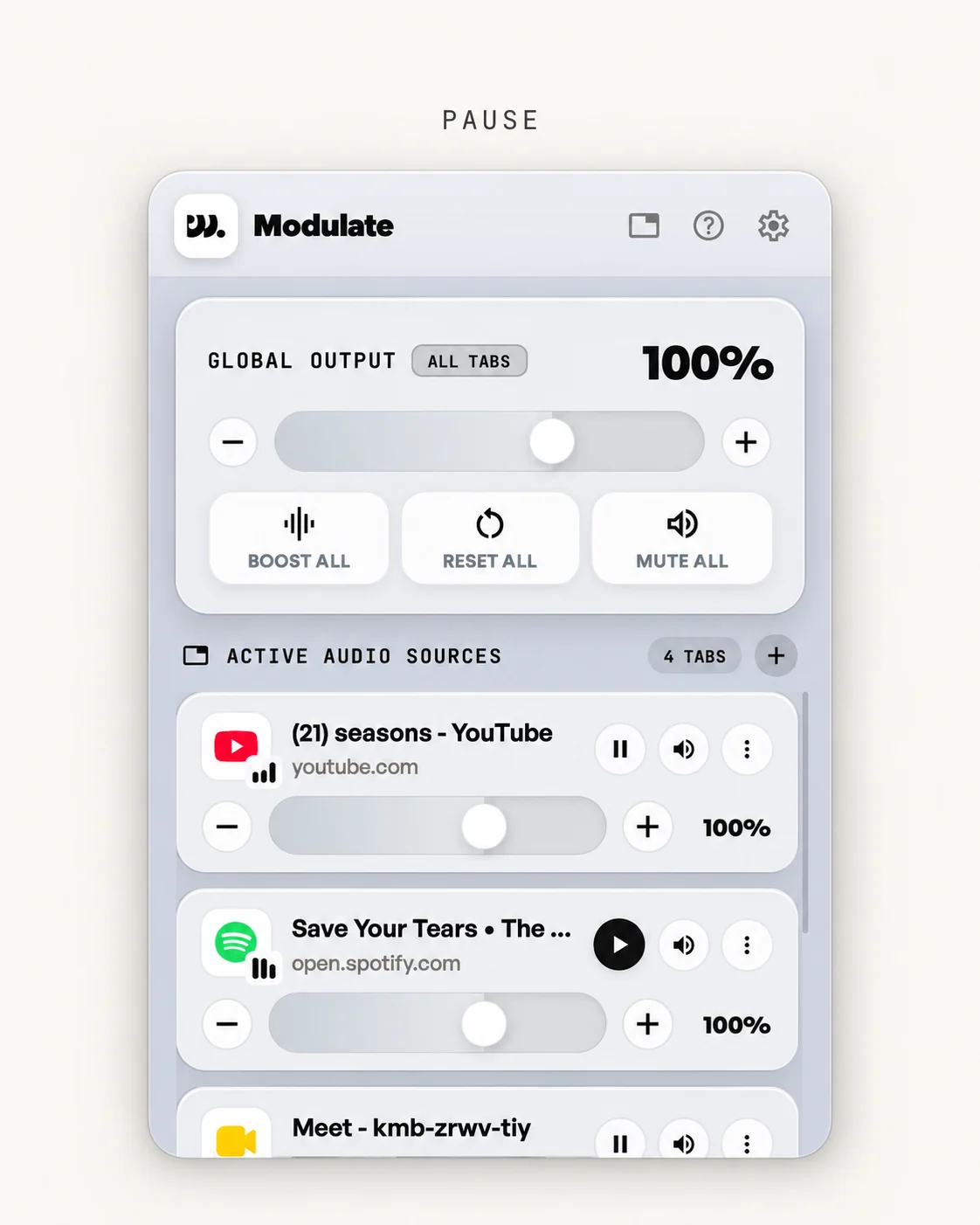
Pause
Pause a tab right from the mixer.
See it move
Watch it work.
Find the loud tab. Mute it.
Audible tabs float to the top. One tap mutes the loud one and the rest keep playing.
Control tabs from the keyboard.
Mute with Alt+Shift+M and change volume 10% at a time with Alt+Shift+Up or Down. Remap them any time.
Tune the sound of each tab.
Bass Boost and Voice Boost run from -12 to +12 dB, for every tab at once or one tab at a time.

Who it's for

Students
Lecture in one tab, something quieter in the next, without fighting the volume.

Remote workers
Meeting in one tab, music in another. Control both independently.

Streamers
Keep your mic and game audio balanced without alt-tabbing to a mixer.

Winding down
Music in one tab, a video in another. Keep the balance you like.
Private by design
Zero data collection. Fully local. No remote code.
The extension has no accounts, no tracking and no analytics. Nothing about your tabs or your audio leaves your browser. This website counts page visits with Google Analytics only if you accept.
Read the full privacy policy →Quick answers.
Installing, boosting and privacy in a few lines. Something missing? Ask support.
Is Modulate free?
Yes. It is free to install from the Chrome Web Store and needs no account.
Which browsers does it work in?
Chrome, Brave, Edge, Vivaldi and Opera. It is a desktop extension, so it does not run in mobile browsers.
How do I boost a quiet tab above 100%?
Open Settings in the popup and pick a Max boost: 150, 200, 300, 400, 500 or 600%. The default ceiling is 150%. Then raise that tab’s slider past 100%.
Can I control tabs from the keyboard?
Yes. Alt+Shift+M mutes or unmutes the active tab, and Alt+Shift+Up or Down changes its volume by 10%. On a Mac use Option instead of Alt. You can remap them at chrome://extensions/shortcuts.
Does it remember my volume settings?
Each tab keeps its setting until you close that tab.
What are Bass Boost and Voice Boost?
Optional sound shaping from -12 to +12 dB, for every tab at once or for one tab. They stay hidden until you turn them on in Settings.
Does Modulate collect my data?
The extension does not. It has no accounts, no tracking and no analytics, and nothing about your tabs or your audio leaves your browser. This website can use Google Analytics to count page visits, but only if you accept it in the cookie banner. The full policy is on the Privacy page.
See it in 21 seconds.
Give every tab its own volume.
Add to Chrome for FreeModulate is a Chrome extension for desktop, works on Chrome, Brave, Edge, and other Chromium browsers.
See how it works